
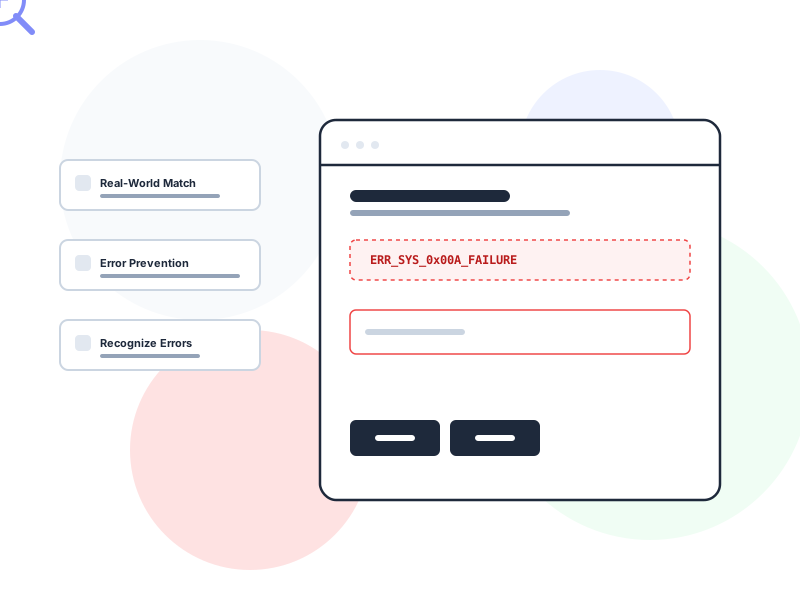
Heuristic evaluation is a usability inspection method where evaluators review an interface against a set of established design principles – called heuristics – to identify usability problems. It’s a fast, expert-driven way to catch UX issues without recruiting test participants.
Why It Matters
Not every design decision needs a full usability test. Sometimes you need a quick, structured review that catches obvious problems before investing in user research. Heuristic evaluation fills that role.
A single evaluator with experience can review an interface in a few hours and identify dozens of usability issues – from unclear labels to inconsistent navigation to missing error messages. When 3-5 evaluators review independently and compare findings, they typically catch 75% or more of a design’s usability problems. That’s a significant return for a method that requires no participant recruitment, no scheduling, and no lab setup.
Heuristic evaluation is especially valuable early in the design process. You can evaluate wireframes, prototypes, and even competitor products. Catching a navigation problem on a wireframe costs almost nothing to fix. Catching it after development costs days or weeks of rework.
How It Works / Types
The most widely used framework is Jakob Nielsen’s 10 Usability Heuristics, originally developed in 1994 and still the foundation of most UX audits. Here’s each heuristic with a practical summary:
1. Visibility of System Status
The system should always keep users informed about what’s happening. Loading indicators, progress bars, confirmation messages, and highlighted active states all serve this purpose.
2. Match Between System and the Real World
Use language and concepts familiar to users, not internal jargon. Follow real-world conventions and present information in a natural, logical order.
3. User Control and Freedom
Users make mistakes. Provide clear undo, redo, and “exit” options so they can recover without frustration. Every modal should have a visible close button. Every multi-step flow should allow going back.
4. Consistency and Standards
The same action should look and behave the same way throughout the product. Follow platform conventions – users bring expectations from every other app they’ve used.
5. Error Prevention
Design to prevent errors before they happen. Disable the “Submit” button until required fields are filled. Use date pickers instead of free-text date entry. Confirm destructive actions before executing them.
6. Recognition Rather Than Recall
Minimize memory load by making options visible. Dropdown menus, recent searches, and contextual suggestions all reduce the need for users to remember information from earlier steps.
7. Flexibility and Efficiency of Use
Support both beginners and power users. Keyboard shortcuts, customizable dashboards, and advanced filters help experienced users move faster without cluttering the interface for newcomers.
8. Aesthetic and Minimalist Design
Every additional element on screen competes for attention and adds cognitive load. Remove information that’s rarely needed or irrelevant to the current task.
9. Help Users Recognize, Diagnose, and Recover from Errors
Error messages should explain what went wrong in plain language, identify the problem precisely, and suggest a concrete fix. “Error 403” tells users nothing. “You don’t have permission to access this file. Contact your admin to request access” tells them everything.
10. Help and Documentation
While the ideal interface needs no manual, complex products benefit from searchable, task-focused help content. Documentation should be easy to find and focused on concrete steps.
Real-World Example
Imagine you’re evaluating a project management tool. Working through the heuristics, you find that deleting a project happens instantly with no confirmation dialog (violates #3 – User Control and Freedom), the “Archive” and “Delete” icons look nearly identical (violates #5 – Error Prevention), and error messages display technical database codes instead of plain language (violates #9 – Help Users Recover from Errors).
None of these issues require a usability test to identify – an experienced evaluator recognizes them by applying the heuristics systematically. Each finding includes which heuristic is violated, a severity rating, and a recommended fix. The team can prioritize and address the most critical issues before the next user test.
How to Apply
-
Recruit 3-5 independent evaluators. Each person reviews the interface alone, without discussing findings. Independent evaluation prevents groupthink and ensures diverse perspectives. After individual reviews, combine findings and remove duplicates.
-
Review the full interface against each heuristic. Don’t just browse randomly. Go screen by screen, flow by flow, evaluating each against all 10 heuristics. Use a structured template or checklist to ensure nothing is skipped.
-
Rate severity for each finding. Not all issues are equal. Use a severity scale: 0 (not a usability problem), 1 (cosmetic), 2 (minor), 3 (major), 4 (catastrophic – must fix before release). Severity ratings help the team prioritize fixes.
-
Document findings with screenshots and specific descriptions. “The navigation is confusing” isn’t actionable. “The ‘Reports’ and ‘Analytics’ menu items overlap in meaning – users can’t predict which one contains monthly sales data” gives the team something to fix.
-
Combine with usability testing for full coverage. Heuristic evaluation and usability testing catch different types of problems. Experts find issues users might not articulate. Users reveal problems experts overlook because they’re too familiar with design conventions. Use both methods for the most complete picture.
Common Mistakes
Using a single evaluator. One person catches roughly 35% of usability problems. Three to five evaluators working independently catch 75% or more. The overlap is surprisingly low – different evaluators notice different issues based on their expertise and attention patterns.
Treating heuristics as a pass/fail checklist. Heuristics are principles, not rules. An interface might technically “have” a back button (heuristic #3) but place it where nobody can find it. The question isn’t whether the feature exists but whether it effectively serves the principle behind the heuristic.
Heuristic evaluation covers the full scope of interaction design behaviors – feedback timing, error recovery, and system status, not just visual layout. Pay particular attention to heuristic #9 when auditing: the quality of error messages is fundamentally a microcopy problem, and specific, actionable wording can be the difference between user abandonment and recovery.
Skipping severity ratings. Without severity ratings, every issue looks equally important. A team that treats a misaligned icon the same as a broken error recovery flow will waste time on cosmetics while critical problems persist.
Further Reading
- 10 Usability Heuristics for User Interface Design – Jakob Nielsen’s original 10 heuristics with updated examples and explanations
- What is Heuristic Evaluation? – Interaction Design Foundation’s guide to running heuristic evaluations